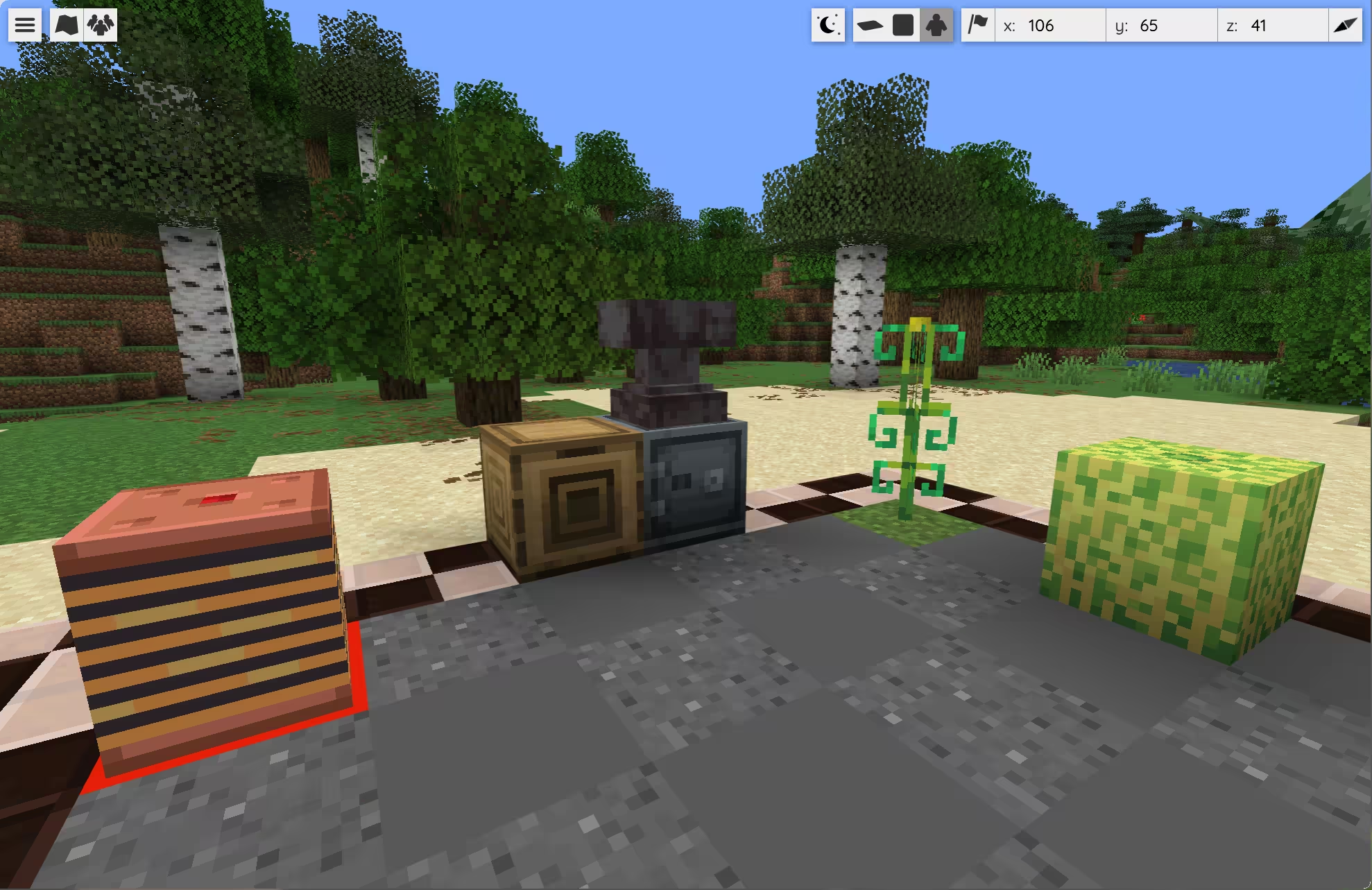
🗺️ BlueMap
Install and configure BlueMap following its official documentation.
In plugins/CraftEngine/config.yml, add a bluemap workflow under the existing resource-pack.workflows section and update the chunk setting shown below:
resource-pack:
  workflows:
    bluemap:
      trigger: reload_pack
      steps:
        - type: generate
          map_compatibility: true
        - type: validate
        - type: zip
          path: ../BlueMap/packs/craftengine_resource_pack.zip
          protection: false

chunk-system:
  restore-vanilla-blocks-on-chunk-unload: false
This workflow generates a map-compatible resource pack and writes it directly to plugins/BlueMap/packs/craftengine_resource_pack.zip.
Run these commands in order:
/ce reload all— load the configuration and generate the resource pack. Wait for the workflow to finish./bluemap reload— load the new resource pack./bluemap purge <map>— clear the previous render for each affected map so BlueMap can render it again. See BlueMap's resource pack guide.
You can run /ce workflow bluemap to generate only the BlueMap pack. After updating the pack, repeat the BlueMap commands above.